Cordeo Integrations
Your brand portal, in your daily tools
Work with assets, templates and media directly from tools such as Adobe, Microsoft Office 356 and your browser. With Cordeo Integrations, your brand portal becomes part of the workflow you already use.
See all integrationsContent and assets become fragmented without a central source
In many organisations, assets are spread across folders, tools and individual storage locations.
Images, videos and documents are copied, shared and stored again and again, often without clear oversight or version control.
A brand portal brings structure to this process. All assets, templates and content are stored in one central location, accessible to the entire team.
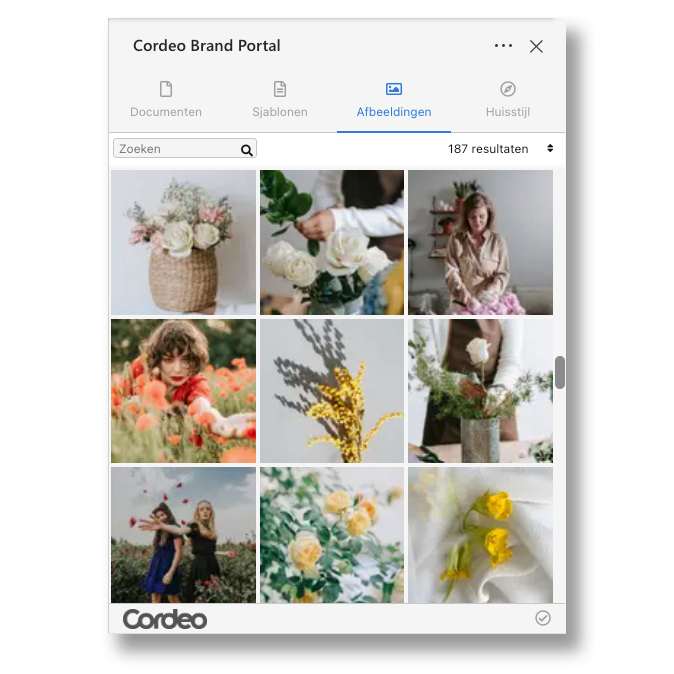
Cordeo Integrations: the bridge between brand assets and your workflow
A brand portal brings structure to assets, templates and content, but the actual work often takes place in other applications. Think of Adobe Creative Cloud, Microsoft Office 365 or your browser.
As a result, users regularly switch between systems to find assets, download files or save content again. This can lead to:
- Files being stored locally
- Versions getting out of sync
- Templates being modified without central oversight
Cordeo Integrations ensures that your brand portal seamlessly connects to the workflows you already use.
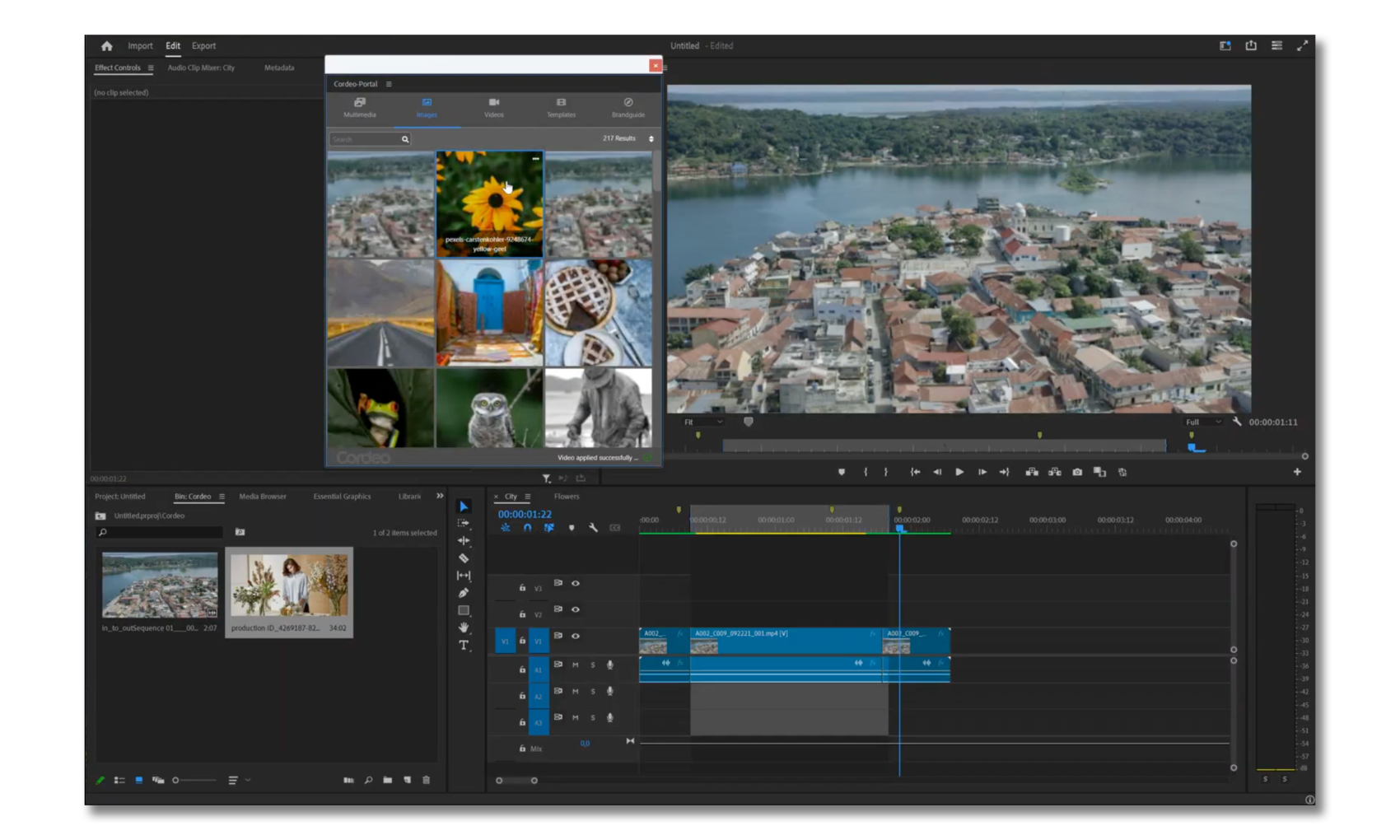
For everyday users and creative teams
Cordeo brings your brand portal directly into the tools your team uses every day. No unnecessary steps, no complicated processes and no duplicate work.
Work with assets, templates and content exactly where you need them: from design and video productions to documents and presentations.
- Microsoft 365 add-ins support everyday users who work with documents and presentations.
- Adobe plugins are designed for designers, communication professionals and brand portal administrators who work with templates, assets and creative content.
Key benefits
Work directly with assets, templates and content
Overview
Available integrations
Adobe InDesign
Work with templates, assets and DTP items directly within your design workflow.
Adobe Premiere Pro
Download media from the DAM and upload video fragments directly from your editing environment.
Adobe Photoshop
Use up-to-date brand assets directly in your image editing workflow.
Adobe Illustrator
Work with brand assets without interrupting your illustration workflow.
Microsoft Word
Work with up-to-date content and assets directly in your documents.
Microsoft Powerpoint
Use brand assets and templates directly in your presentations.
Featured
Three integrations that make an immediate difference
Cordeo for Adobe InDesign
Work with templates and assets without leaving InDesign.
- Create templates in InDesign for the brand portal
- Access images from the DAM
- Automatic language detection
- Add DTP items
Cordeo voor Adobe Premiere Pro
Connect your video workflow directly to the brand portal.
- Download media from the DAM
- Upload videos to the brand portal
- Select fragments using In and Out points
- Set previews using markers
Cordeo for Microsoft Word
Use brand assets from the image library directly in your documents.
- Search and use images from the brand portal
- Add assets directly to your document
- Work within your organisation’s brand guidelines
- Reduce local downloads and duplicate file versions
Workflow
From creation to publication, without leaving your tool
Step 1
Open the integration from your application
Get direct access to assets, templates and content from the brand portal.
Step 2
Work in your familiar environment
Use assets directly in your design, document, presentation or video project.Step 3
Save changes centrally
Upload new versions or publish content directly back to the brand portal.
Want to learn more about our plugins and integrations?